Option 3: Pain-Point Storytelling (Matches Image 3 — High Engagement for Facebook & Instagram Feeds) A customer emailed
hanh
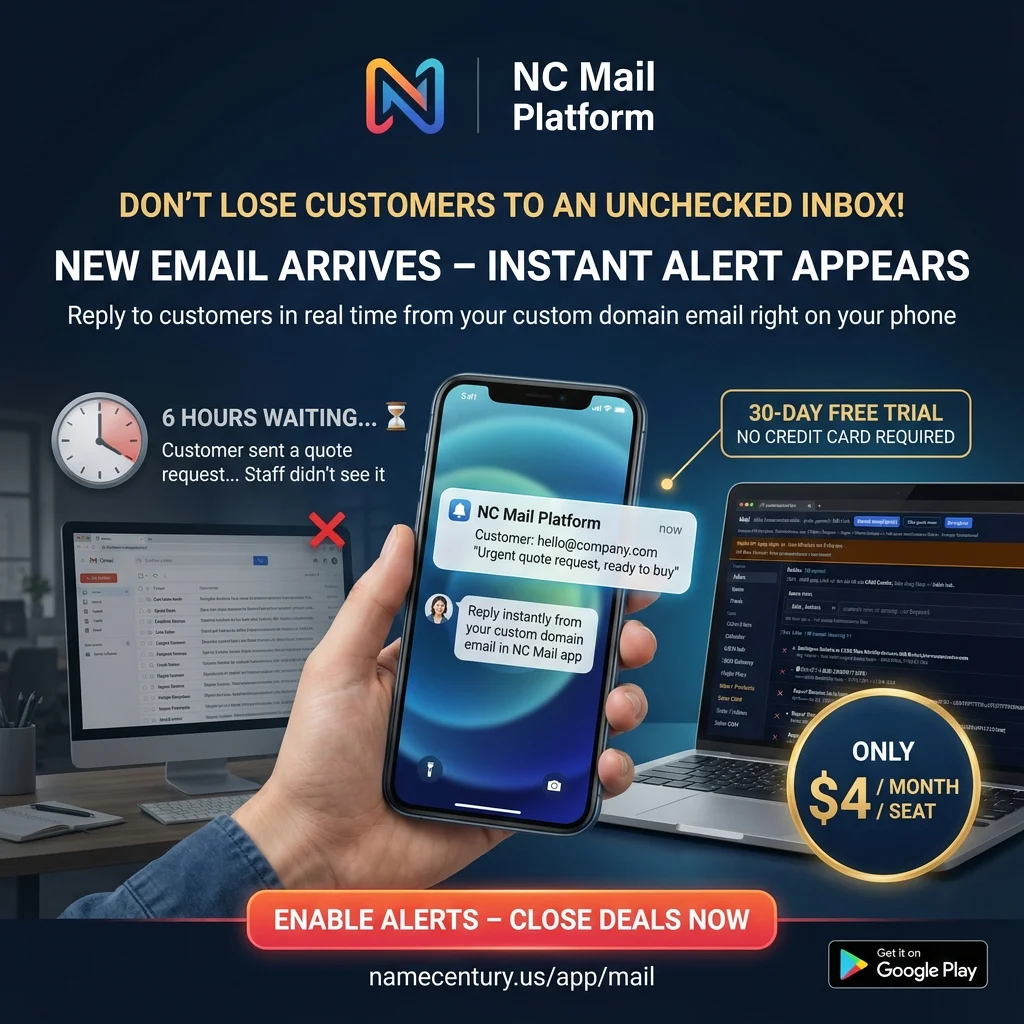
Option 3: Pain-Point Storytelling (Matches Image 3 — High Engagement for Facebook & Instagram Feeds) A customer emailed a quote request at 10:05 AM. Your team didn’t open webmail until 4:30 PM. In those 6.5 hours, that customer already contacted three competitors—and bought from one of them. For small teams, response speed is your strongest competitive advantage. Yet no one can sit at a desk hitting refresh on an inbox all day just to catch every message sent to hello@company.com or support@company.com. That’s why NameCentury Social puts your custom domain email straight on your team's phones: 🔹 New Email Arrives — Instant Alert Appears: Turn on Enable email alerts once. Every new order, schedule change, or customer question lights up your Android lock screen the second it lands. 🔹 Reply on the Spot Without Switching Apps: Open NameCentury Social—the same app your team already uses for messaging, video calls, and sharing files between Windows and MacBook Pro—and reply directly from your business domain. 🔹 Connect Your Domain Your Way: Already hosting with Name Century? Switch it on and start reading. Keeping your current mail provider? Link via IMAP/SMTP with zero DNS changes. Moving everything over? Update MX, SPF, DKIM (nc._domainkey), and DMARC in minutes. No Visa or Mastercard needed to try it. Visit https://namecentury.us/app/mail (or grab NameCentury Social on Google Play), tap Trial Mail, and get 30 days completely free. After your trial, keep your Mail seat for only $4/month while your team’s chat, video calls, and file sharing stay free. Stop letting revenue sit unseen in your inbox! 🚀 #CustomerExperience #BusinessEmail #NameCentury #SmallBusinessGrowth #MobileProductivity #NCMailPlatform